
- Home
- Sonography reporting
Narrate the scan. The report is ready before the patient stands up.
Speak the measurements as you take them and TScribe writes them into your ultrasound template. Obstetric, abdominopelvic, Doppler and small parts, in your own words.
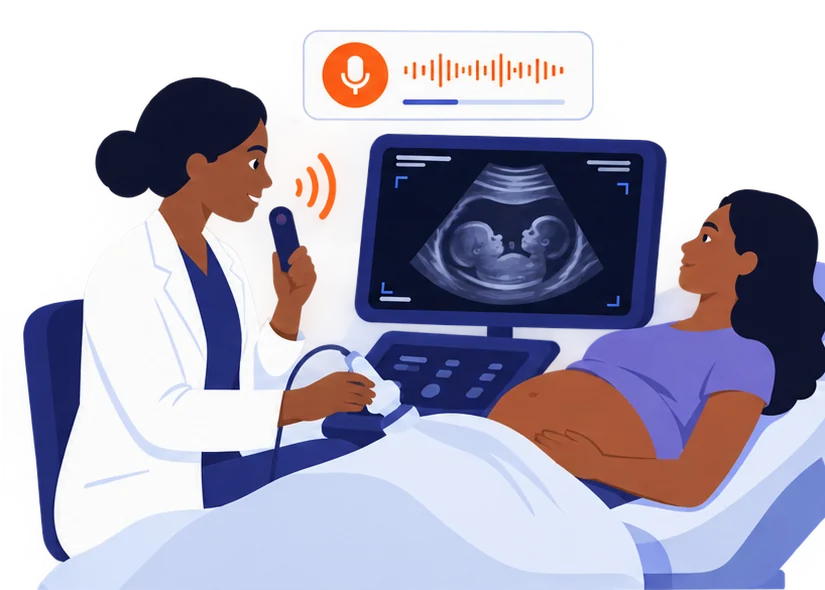
Built for a room where your hands are busy.
- Hands on the probe, not the keyboardDictate while you scan. Pause for the patient and resume. Live captions show you what was heard while the machine is humming.
- Speak the measurementsKidney LS by AP, uterine dimensions, biometry: numbers land in the right fields of the template as you say them.
- Report ready in the roomUnder a minute after you stop, the structured report is back with critical values flagged. Read it, sign it, hand it over.
- Noise is expectedTranscription is noise-tolerant for a busy department, and a silence watchdog pauses the recording when you stop talking.
- Copy, dictate into a field, or filePaste into your reporting system, dictate straight into a browser field with the extension, or have the department file it into the record.
Start from the library, then make it yours.
Abdominopelvic, obstetric, transfontanelle, ocular, hip, testicular and scrotal, renal, carotid, penile, and upper and lower limb Doppler templates, each with normal statements you can rewrite in your own words.
Three ways out.
Copy and paste
One tap puts the finished report on your clipboard, formatting intact. Paste into your RIS, EMR, Word or an email.
The browser extension
Right-click any text field in a web PACS, RIS or EMR and choose Dictate with UnityPulse. The report lands in the box you are standing in.
Direct filing over FHIR
File the finished report straight into the patient record. Set up once by your administrator on UnityPulse.
Your next ultrasound report takes a minute.
Open TScribe, pick a template, press record.