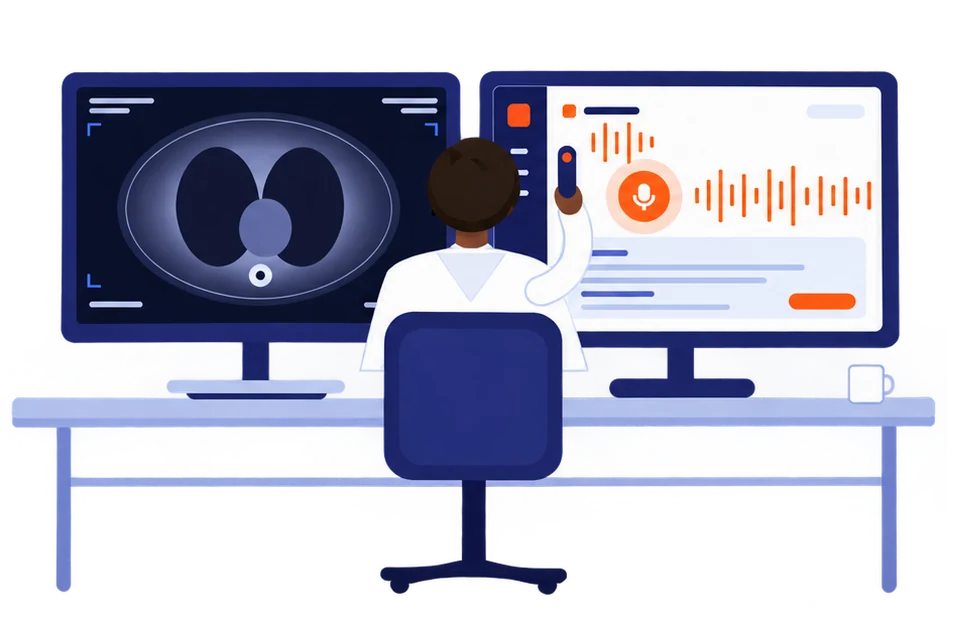
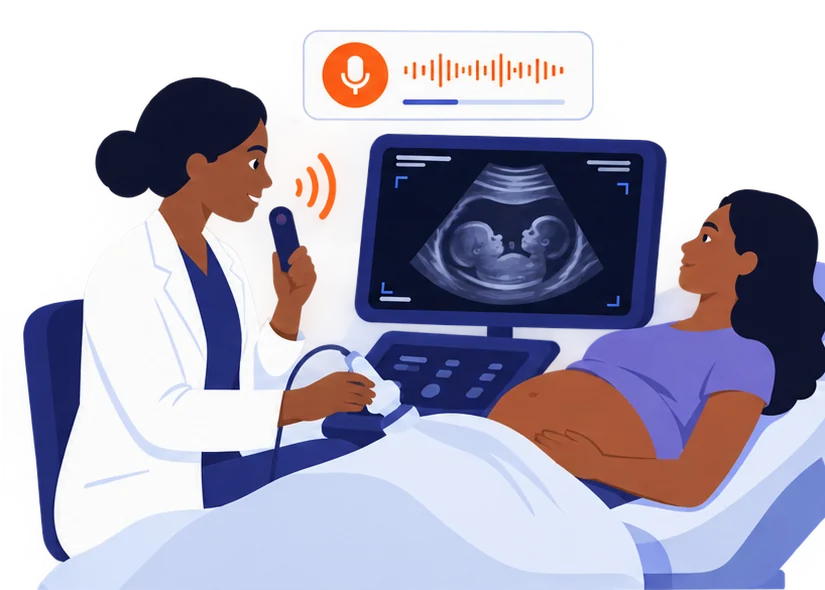
Made for people who read images and dictate for a living.
Radiologists
CT, MRI, X-ray, fluoroscopy, mammography. Dictate the way you already do. The report lands in your template, in your phrasing.
Sonographers
Narrate the scan as you go. Measurements land in the right fields, and the report is ready before the patient stands up.
Not a radiologist or sonographer? Ureport is the same dictation for every other clinical specialty, from the same team. One UnityPulse account signs in to both.
How it worksUnder a minute, start to filed
Dictate. Read the draft. Send it.
Press record and speak the findings in whatever order you like. Pause and resume as you go.
Words appear on screen while you talk, so you can see what was heard. Display only: never stored, never billed.
Under a minute later the report is back in your headings and your phrasing. Preview it, edit in place, or change a measurement by voice.
Copy it, dictate straight into the field with the browser extension, or file it to your records system.
ModesFive ways to say it
Say it the way the study needs.
Pick a mode per report. Nothing about the way you dictate changes.
Freestyle
Write it up from what I say
No template. A clean, structured report from open dictation.
Full template
Fill the whole template
Every section filled from the dictation. Sections you do not mention stay as the template has them. Call a study unremarkable and the normal statements fill themselves.
Segment edit
Change or add parts, keep the rest
Say only what changes or is new. Everything else in the report stays exactly as it was. New findings are added where they belong.
Summary
Give me the short version
A concise clinical summary of what was said.
Conversation
Who said what
Splits a recording into speakers, editable afterwards. For consultations and telehealth calls; the app can capture tab or system audio for a call.
Templates98 curated, plus yours
Your reporting style, not ours.
Two radiologists reporting the same study write it differently, and both are right. Start from the library, then make it yours.
CT 25
X-ray 24
MRI 18
Ultrasound 18
Fluoroscopy 8
Mammography
General
CT abdomen and pelvis with contrastOutline
Clinical information
Technique
Comparison
Findings
Liver and biliary normal statement
Spleen, pancreas, adrenals normal statement
Kidneys and ureters normal statement
Bowel and peritoneum
Bones and soft tissue
Impression highlighted for review
Make it yours
Change the headings, reorder the sections, drop the ones you never fill. Or build one from scratch for a departmental protocol. Templates stay on your device unless you choose to sync them.
Normals in one breath
Say the study is unremarkable and the normal statements fill themselves. You dictate only what differs.
Speak the measurements
Sizes, volumes and laterality land in the right fields as you say them.
Correct by voice
Change a measurement or rewrite the impression without touching the keyboard. The rest stays as it was.
Formatting that survives the paste
Headings, bold, bullets and numbering come through as formatting, not stray asterisks.
Three ways out. Copy and paste is the floor, not the ceiling.
Works everywhere
Copy and paste
One tap puts the finished report on your clipboard, formatting intact. Paste into your RIS, EMR, Word or an email. Nobody to ask.
UnityPulse Dictation for Chrome, Edge and Firefox
The browser extension
Right-click any text field in a web PACS, RIS or EMR and choose Dictate with UnityPulse. The report lands in the box you are standing in, not on your clipboard. Your templates come with you.
For departments
Direct filing over FHIR
File the finished report straight into the patient record over HL7 FHIR. Set up once by your administrator on UnityPulse; you see one extra button.
Never lose a reportSaved as it happens
Built for rooms with humming scanners and dropping connections.
Drafts that survive
Recordings are saved as they happen. A crash, a closed tab, a dead battery or a lost connection does not lose the dictation. Retry it, or listen again.
Microphone watchdog
The recording is saved as you go. Unplug the microphone and it is finished with everything captured so far. Silence pauses the recording, and a microphone with no signal gets a warning.
Dictate in five languages
English, Yoruba, Hausa, Igbo and French speech are understood. The report is written in English, or the language you set.
Works in noisy rooms
Noise-tolerant transcription for busy departments, so the scanner, the corridor and the door do not end up in the report.
Departments
One radiologist, a reporting room, or the whole department.
A TScribe account works on its own. Hospitals and groups manage their people from UnityPulse, not from inside TScribe: members and roles, departments, a shared pool of credits with a limit per person, and where reports file.
No. Audio is processed in transit and deleted once the report is returned. There is no table of your reports on our servers. The finished report lives with you, in your records system or on your device.
Will it match how I already write my reports?
That is the point of editable templates. Change the headings, the order and the normal statements, and TScribe writes into your structure.
Does it work with my PACS, RIS or EMR?
Copy and paste works with anything. If your system runs in a browser, the extension dictates straight into the field. Departments can file directly over FHIR.
What languages can I dictate in?
English, Yoruba, Hausa, Igbo and French. The report comes out in English, or the output language you set.
How much does it cost?
TScribe runs on credits. Each report uses a few, so you pay for what you dictate and nothing else. Live captions and drafts are free. How credits work.
I am not a radiologist or sonographer, can I use TScribe?
TScribe is built for radiologists and sonographers. Every other specialty uses Ureport, from the same team. One UnityPulse account signs in to both.