
- Home
- Radiology reporting
Read the study. Say the findings. The report is written.
TScribe listens while you read and writes the report into your template: your headings, your normal statements, your phrasing. Under a minute later it is ready to review, sign and file.
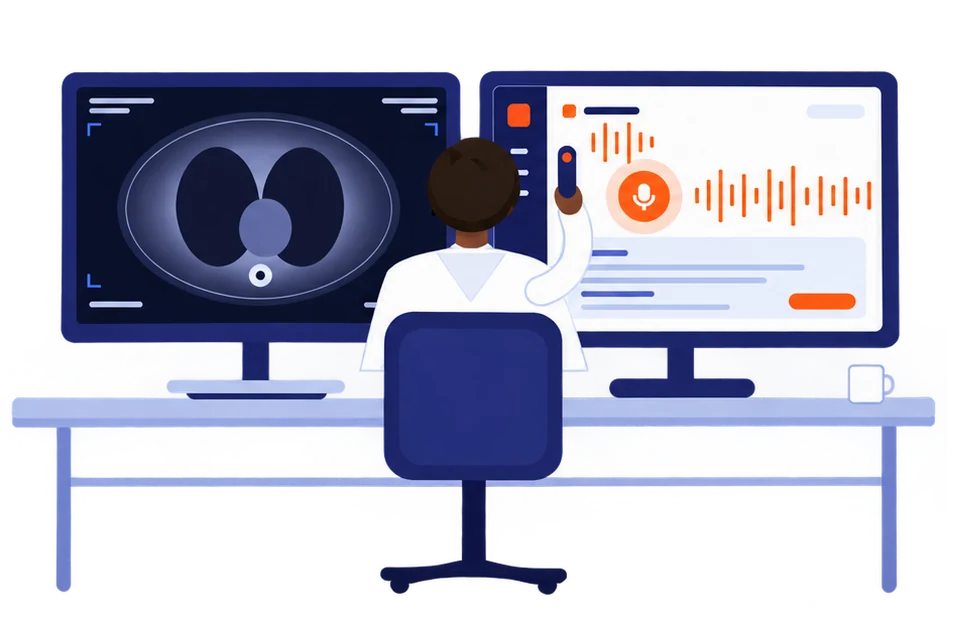
Built around how a reporting session actually runs.
- Clear a list without touching the keyboardDictate each study, read the draft, send it, next. Pause for the phone and pick up where you were. Segment edit mode lets you change one finding on a report without re-dictating the rest.
- Normals in one breathCall a study unremarkable and your template's normal statements fill themselves. You dictate only what differs.
- Measurements land where they belongSizes, volumes and laterality go into the right fields as you say them. Change one by voice afterwards and nothing else moves.
- Critical fields flagged for reviewValues you spoke are highlighted in the draft, so the check before you sign takes seconds.
- Into the RIS or the recordCopy with formatting intact, dictate straight into a browser-based RIS with the extension, or have the department file it over HL7 FHIR.
Start from the library, then make it yours.
Templates for CT brain, chest and abdomen, MRI spine and joints, plain films from skull to foot, barium studies, urography and mammography. Change the headings and the normal statements until it reads like you.
Three ways out.
Copy and paste
One tap puts the finished report on your clipboard, formatting intact. Paste into your RIS, EMR, Word or an email.
The browser extension
Right-click any text field in a web PACS, RIS or EMR and choose Dictate with UnityPulse. The report lands in the box you are standing in.
Direct filing over FHIR
File the finished report straight into the patient record. Set up once by your administrator on UnityPulse.
Your next CT report takes a minute.
Open TScribe, pick a template, press record.